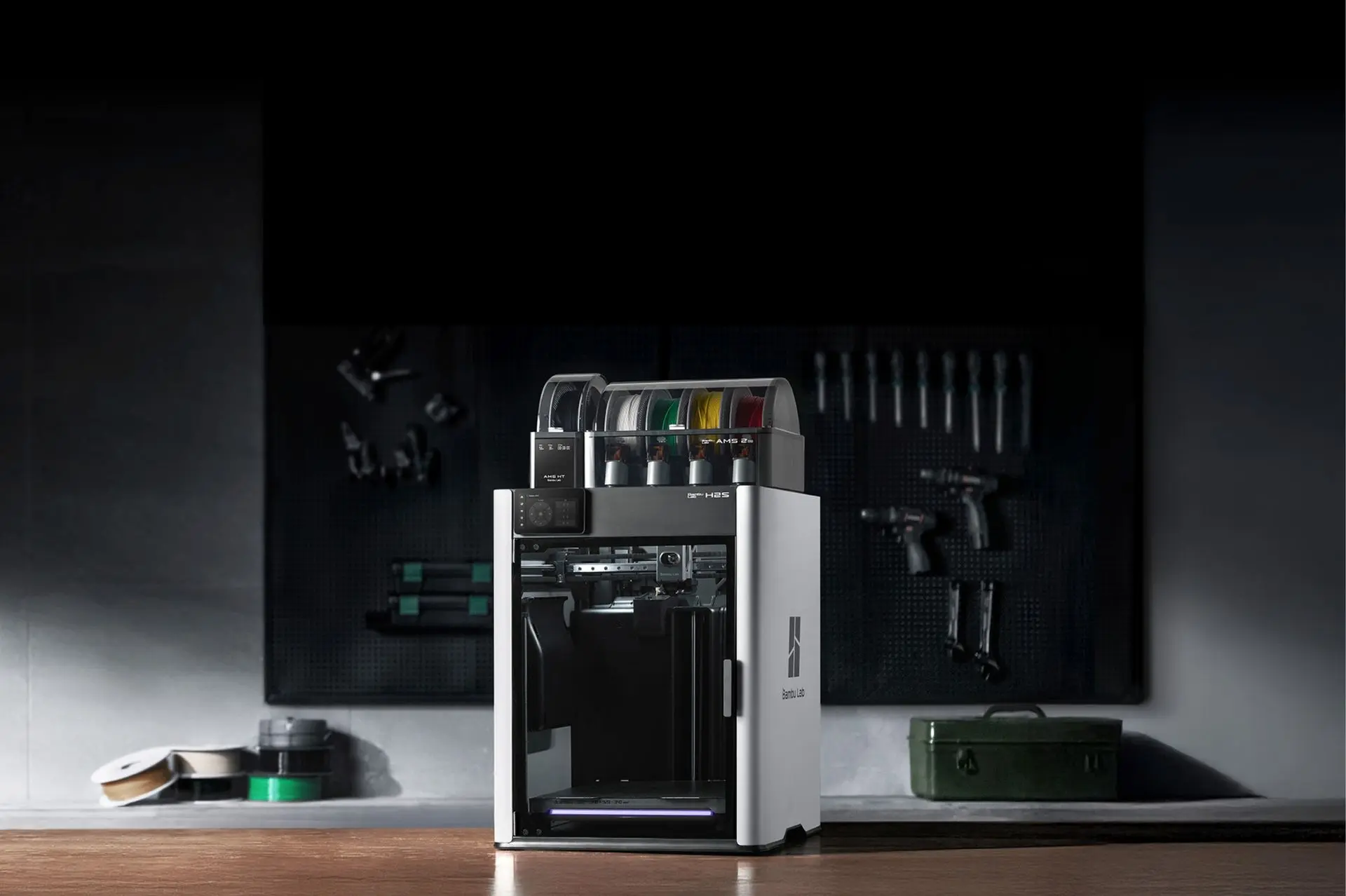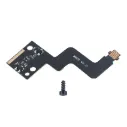
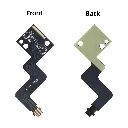
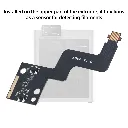
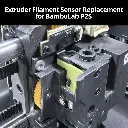
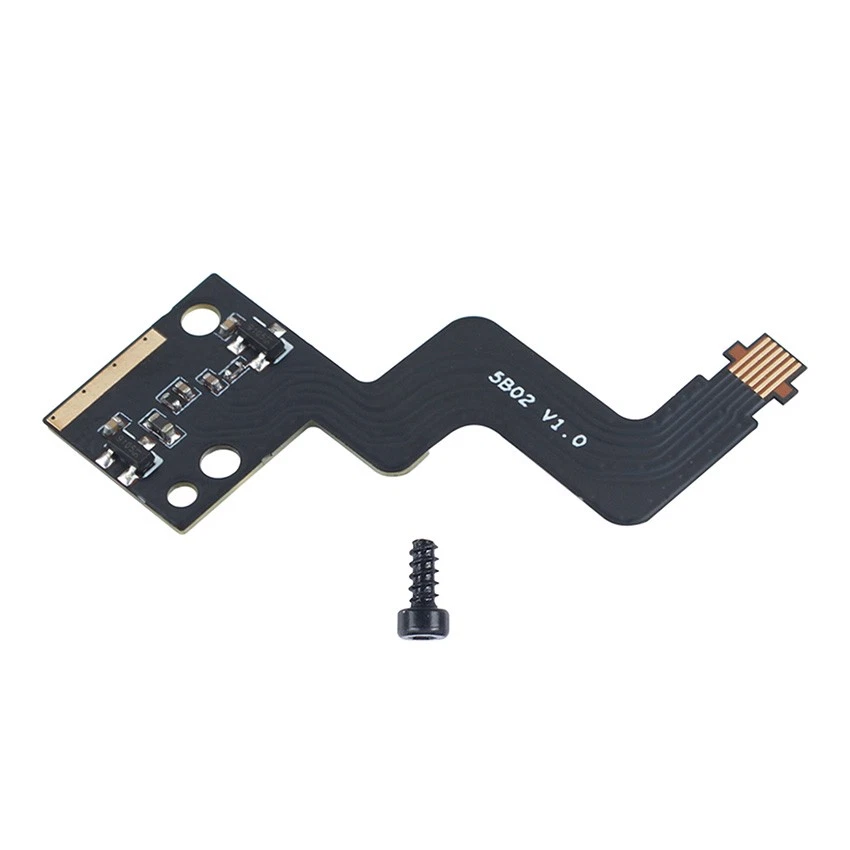
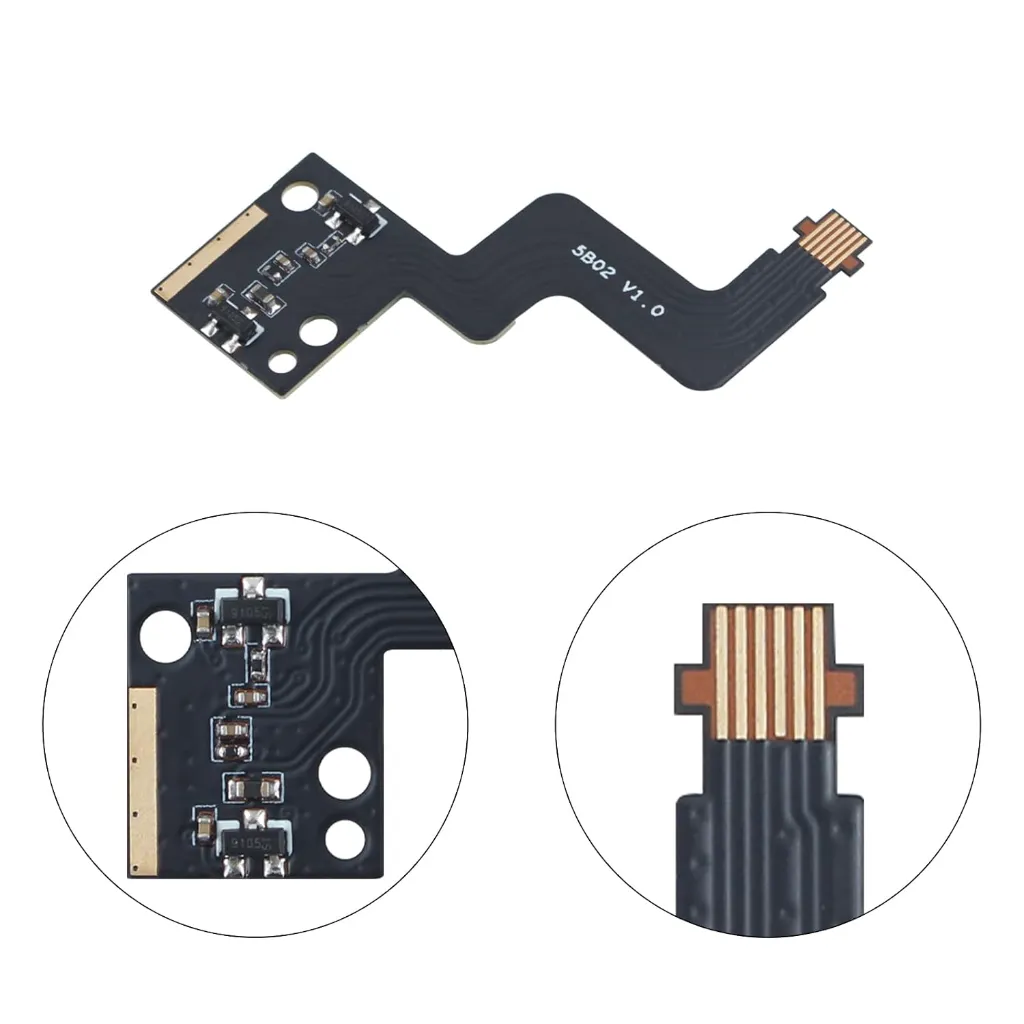
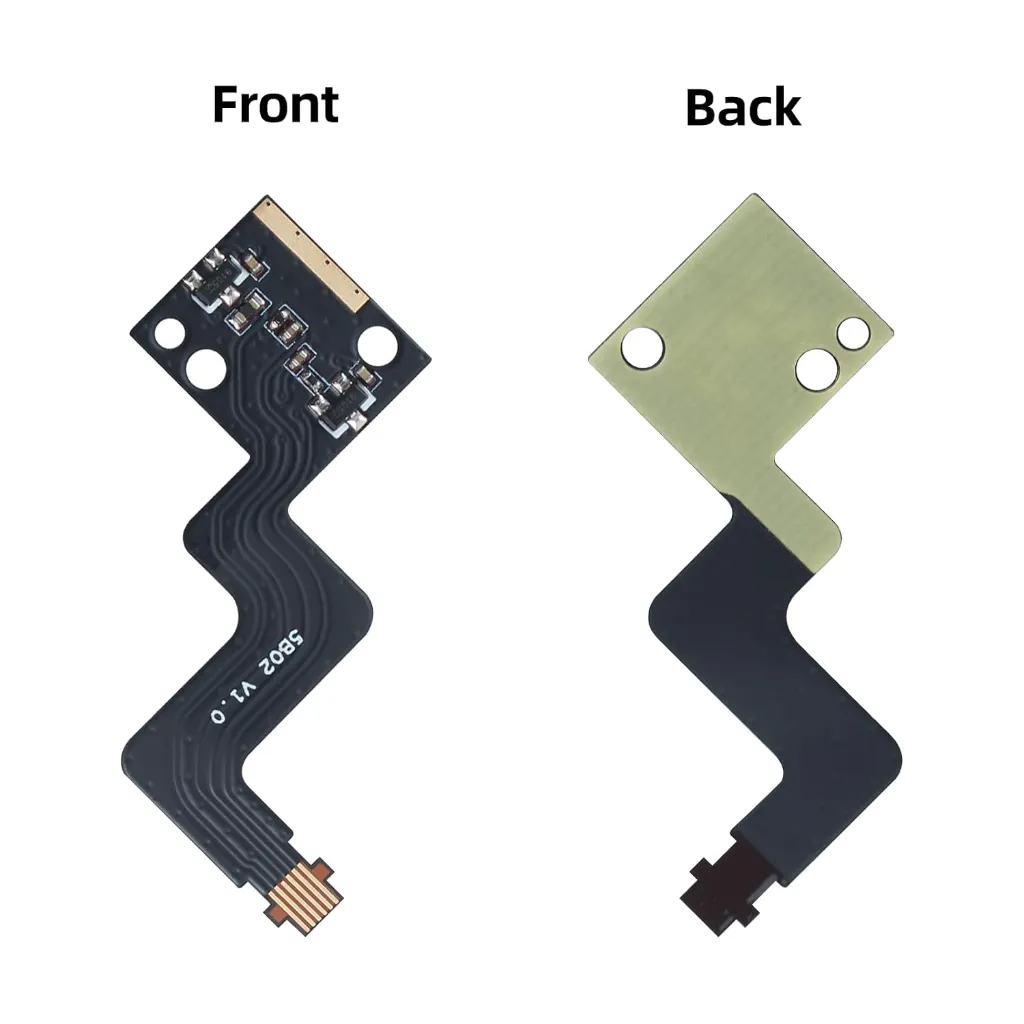

Bambu Lab P2S Extruder Filament Sensor Cable
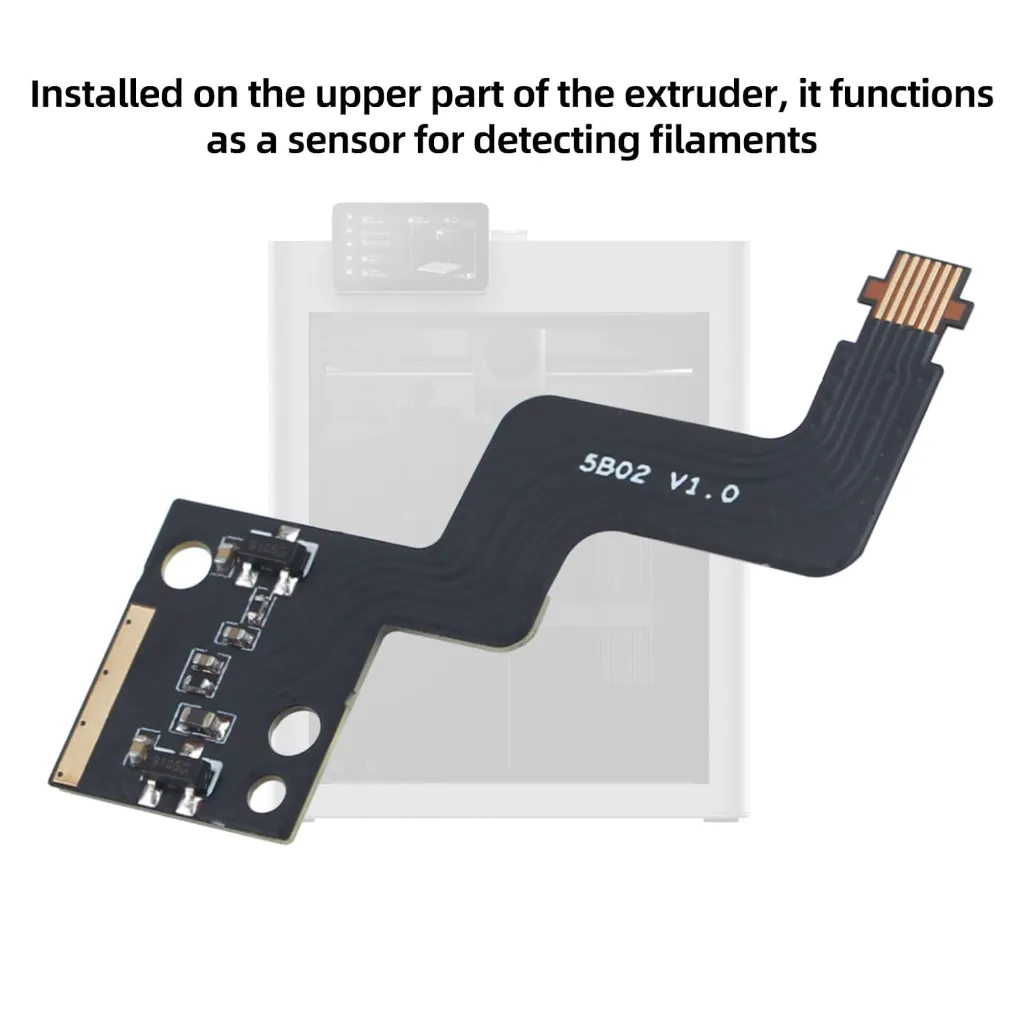
P2S Extruder Filament Sensor and Ribbon Cable is a compatible replacement for the Bambu Lab P2S 3D printer. The sensor is installed on the upper part of the extruder and uses a Hall effect switch to detect both the presence of filament and the position of the filament cutter lever. This dual-function detection is essential for reliable AMS multi-material switching, ensuring the printer knows exactly when filament has entered the extruder and when the cutter has completed its cycle.
Key Features
- Hall effect sensor detects filament presence in the extruder
- Also monitors the filament cutter lever position for reliable cutting cycles
- Includes FPC ribbon cable for complete replacement
- Direct drop-in replacement for the original P2S sensor
- Includes mounting screws for straightforward installation
Specifications
- Compatibility: Bambu Lab P2S (not compatible with X1/P1/A1 series)
- Sensor Type: Hall effect switch
- Cable Type: FPC (Flexible Printed Circuit) ribbon cable
- Mounting Screws: BT2×5 (included)
What's in the Box
- Hall Switch Board Assembly × 1
- FPC Ribbon Cable × 1
Ideal For
- Replacing a malfunctioning filament sensor causing detection errors
- Repairing a damaged or broken ribbon cable
- Resolving "Filament failed to send to extruder" errors
- Fixing issues with AMS filament switching detection
If your P2S is showing filament detection errors, failing to recognise when filament has entered the extruder, or experiencing issues with AMS colour changes, a faulty filament sensor or damaged ribbon cable may be the cause. Installation requires removing the toolhead housing, disconnecting the old sensor from its connector on the board, and swapping in the new assembly. Handle the FPC ribbon cable carefully during installation to avoid damage—detailed instructions are available on the Bambu Lab Wiki.